
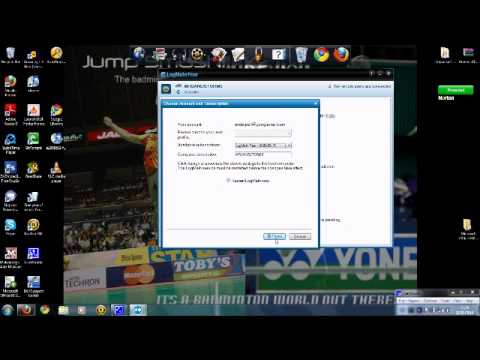
 There are several things to think about when taking control of another computer, the Operating System running on it, the speed of your network connection and the tools you have at your disposal.
How To Take Control Of Another Computer
Operating System
There are 3 main choices of Operating system that the computer you want to take control of might be running, Windows, Mac OS X and Linux. Fortunately Mac OS X is based on BSD so the tools you would use to take control of it are the same as you would for Linux, simplifying things some what!