
Android Create AVD
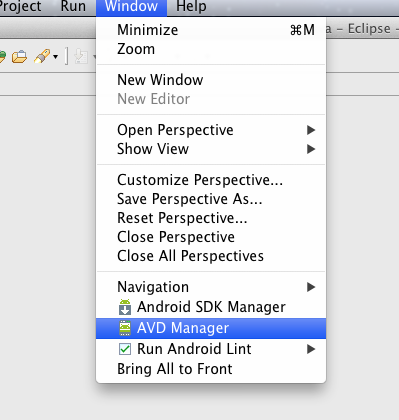
The second part of this series covers creating our first Android Virtual Device or AVD. The Android Virtual Device (AVD) is basically a configuration for the Android SDK’s emulator that lets you define the hardware and software characteristics of an actual Android advice that you can then test your code on. Whilst not being as good as running your app on real hardware, testing it on an AVD is the next best thing!
Install Android Eclipse
Hi guys, when telling a story it’s always best to start at the beginning, so the first thing to do on my journey is talk about how are we going to install Android Eclipse. My workstation is a MacBook but the process is the same on both Windows and Linux. I’ve put together a short video of the entire thing, from downloading Eclipse and the Android SDK to installing Eclipse, the ADT (Android Development Tools) plugin and then configuring ADT to use the Android SDK!
Tomcat HelloWorld Servlet with Eclipse
I’m really trying to get in to this whole Java web development frame of mind, as it’s a bit of fun, a bit of a giggle, and it’s massive in this area of the world! So obviously my first port of call was dusting off Eclipse and kicking out a HelloWorld style Java servlet!
I grabbed a copy of O’Rielly’s Java Servlet Programming to get started and found it really invaluable, and definitely recommend this book to anyone starting out in Java servlet programming.